
To help protect your account and CCL systems, all users must create passwords that meet the following security requirements during account creation or password reset.
Password Requirements
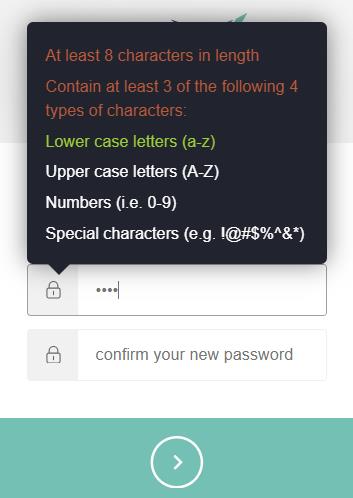
Your password must:
- Be at least 8 characters long
- Include at least 3 of the following 4 character types:
- Lowercase letters (a–z)
- Uppercase letters (A–Z)
- Numbers (0–9)
- Special characters (for example:
! @ # $ % ^ & *)
Password Best Practices
For stronger account security, CCL recommends:
- Use a unique password that is not reused across other websites or applications
- Avoid using easily guessed information such as names, birthdays, or common words
- Consider using a passphrase made up of multiple unrelated words
- Update your password immediately if you suspect unauthorized access
- Store passwords securely using a trusted password manager
Troubleshooting Password Issues
If your password is rejected during account creation or reset:
- Verify it contains at least 8 characters
- Confirm it includes at least 3 character categories
- Check for accidental spaces before or after the password
- Ensure Caps Lock is not enabled unintentionally