
To download a copy of a 360 feedback report that does not expire after 60 days, follow these steps:
- Log in to compass.ccl.org with your participant ID and password.
- In section 1 on the home screen, click the Review Assessment button.
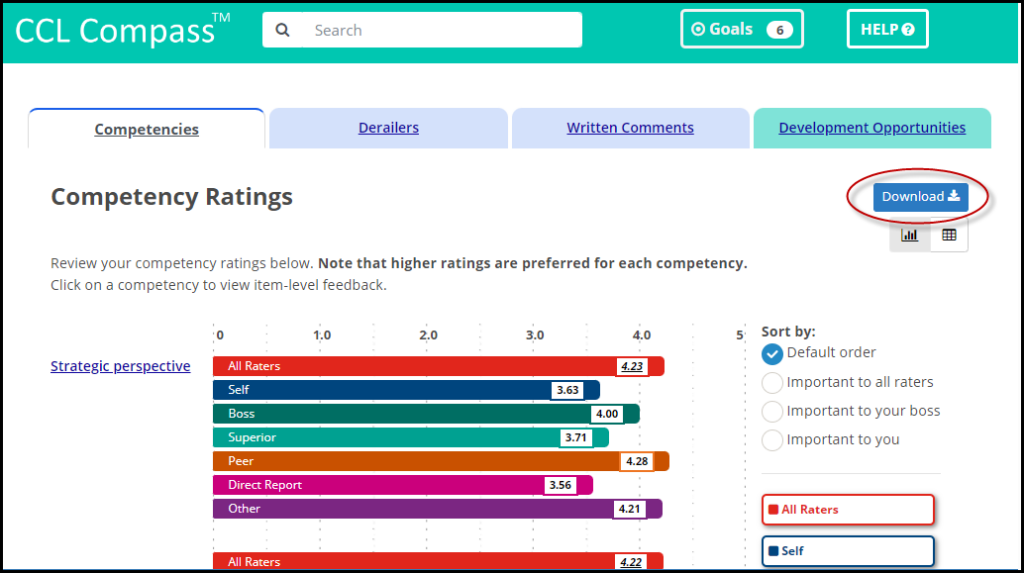
- On the right-hand side of the page, click the Download button.
- Some feedback reports from programs are not available in CCL Compass™.
- Go to: How do I download the feedback reports from my program?