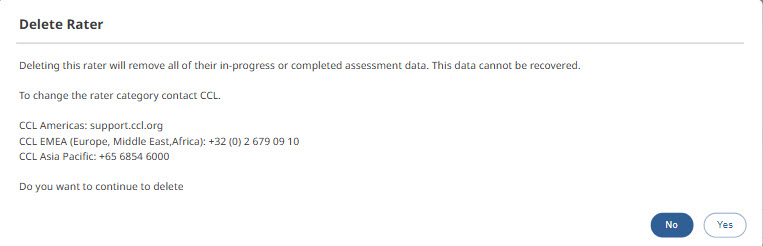
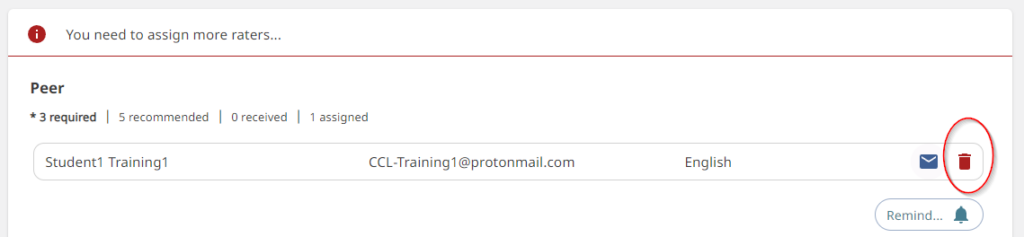
- If the rater has not accessed their survey, a participant can delete them from the rater list and re-add them with the correct information. To remove a rater, access the list in the drop-down menu beneath the respective rater category on the Rater Management screen. Re-add the rater with the corrected information and invite them again.
- If the rater has accessed their survey, the AP gives a participant a warning message that data will be deleted and to contact Client Technical support.