
Each invitation to set up an account in a CCL platform will have an expiration date. This is a security measure. The links expire 30 days after the send date.
- If your invitation expiration date is in the past, please follow these steps:
- Click the activation button in your invitation email.
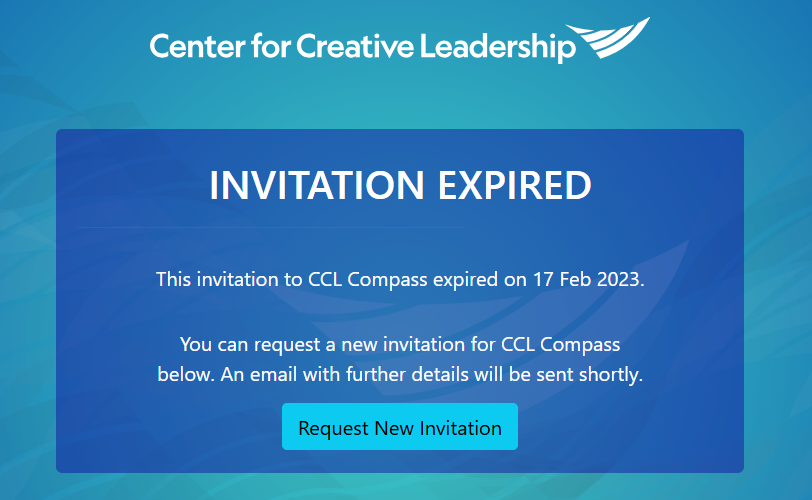
- An Invitation Expired message will open.
- Click the Request New Invitation button.
- Check your inbox for the new email invitation.
- Create your password.
- Login.
Please Note: The deadline may be extended only twice. If it expires a third time, please create a support request.
This solution applies to the invitation expiration only. If you have questions about other dates in the email text, please request support.