
The assessments screen shows the assessment status for that participant. Use the action buttons to edit the view. Default view only shows the participant’s and their rater summary.
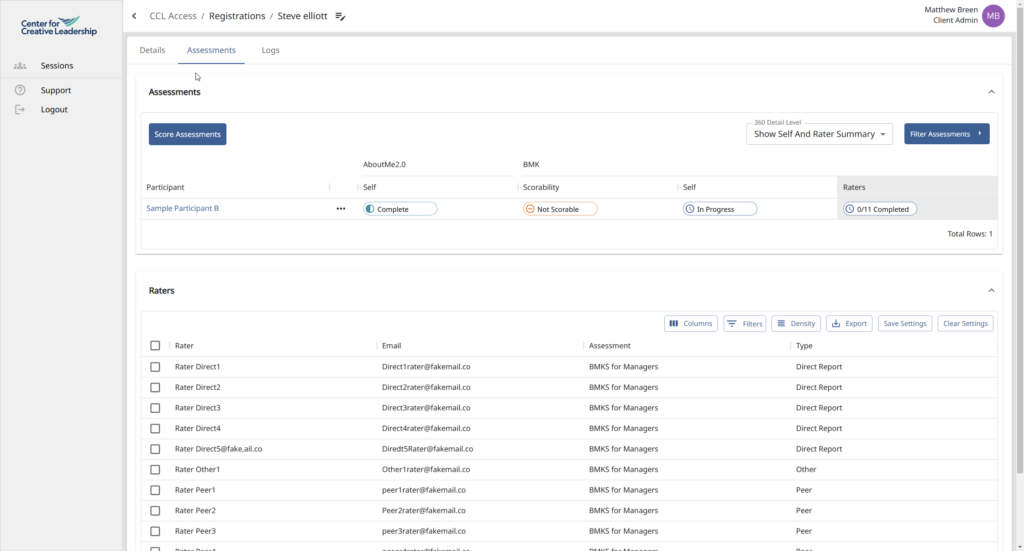
To see rater detail use the “Show all rater categories.”

You may also view scorability only.
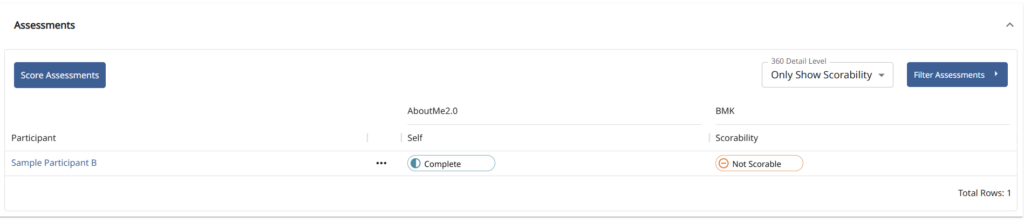
If you are ready to score click the Blue “Score Assessments” button.