
How do I re-send invitation emails to my raters?

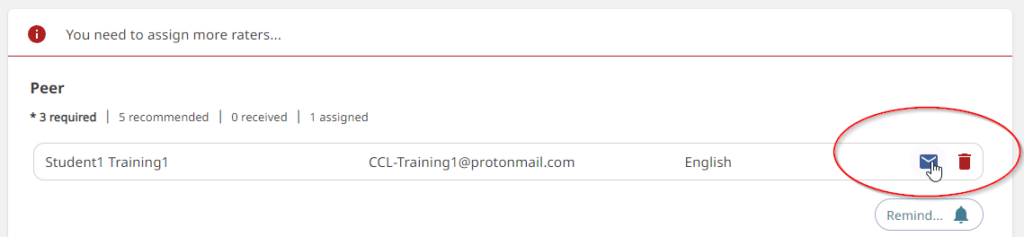
To resend an invitation email, navigate to the Rater Management page. Go to the category for the rater you wish to re-send the invitation to and locate their name in the list. Click the mail icon on the right to re-send the invitation email to that rater.

Updated on November 13, 2024
Was this article helpful?

Related Articles

🆕 CCL Access is here. Assessment Administrators using IAS to administer their inventory have been upgraded to CCL.
New CCL Access for IAS users in here..